
From LinkedIn Learning
SAp B1 Essentials

SAP Business One Essential Training
Business One is an enterprise resource planning (ERP) tool built with small businesses in mind. As a small business, you may not need all the functionality—and cost—of SAP ERP, and SAP Business One may be a better solution for your tech needs. In this course, join Steven Lipton as he helps you get up to speed with the primary modules in Business One, including Sales, Purchasing, Banking, and Financials. Steven highlights the system’s benefits and limitations, shows how to customize modules and reports, and more. To lend these concepts a real-world context, he follows the story of a computer distributor using Business One with a customer, explaining how the company could customize their system.

SAP Business One Reporting and Customization
Steven delves into the many features of this module, which is used for tracking money and assets throughout SAP Business One. After setting up the general ledger, he covers topics like setting budgets, running budget reports, tracking bank accounts, making payments to vendors and receiving payments from the customer, and working with 1099 tax reporting. Steven also covers a series of report tools for communicating the overall financial health of the business. By the end of this course, you’ll have a solid foundation for using Business One to help streamline your business’ financial matters.
SAP B1 Deep dives

SAP Business One Sales and Customer Service
Learn how to leverage the Sales and Customer Service modules of SAP Business One for customer relationship management. Instructor Steve Lipton—CIO of a manufacturing company running SAP Business One—shows how to move prospects through the sales cycle, including billing and invoicing, as well as how to provide ongoing support to your existing customers by tracking their communication and handling their unique needs, from custom invoices to returns. Learn how to create new customer records, process sales orders, ship orders, send invoices, and generate meaningful reports. Everything you learn in this course will help you use SAP Business One tools to convert more leads into satisfied customers.

SAP Business One Finance and Banking
Steven delves into the many features of this module, which is used for tracking money and assets throughout SAP Business One. After setting up the general ledger, he covers topics like setting budgets, running budget reports, tracking bank accounts, making payments to vendors and receiving payments from the customer, and working with 1099 tax reporting. Steven also covers a series of report tools for communicating the overall financial health of the business. By the end of this course, you’ll have a solid foundation for using Business One to help streamline your business’ financial matters.
SAP Business One Production and Logistics
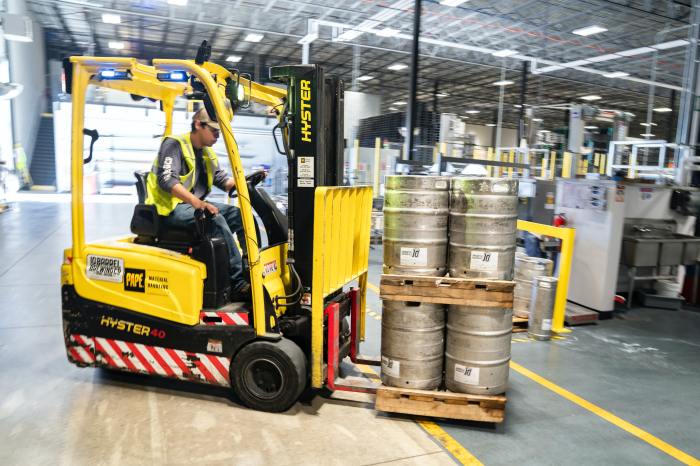
Learn how to track and account for goods and materials in SAP Business One. Learn to track inventory in one or more warehouses, how to remove items from inventory after a sale, and how to purchase goods and enter them into inventory. Create production workflows by taking raw materials and turning them into finished goods, tracking them through purchasing, storage, manufacturing, and shipping. Purchase future inventory and supplies using the purchasing and MRP modules in Business One.
 BizOneness